
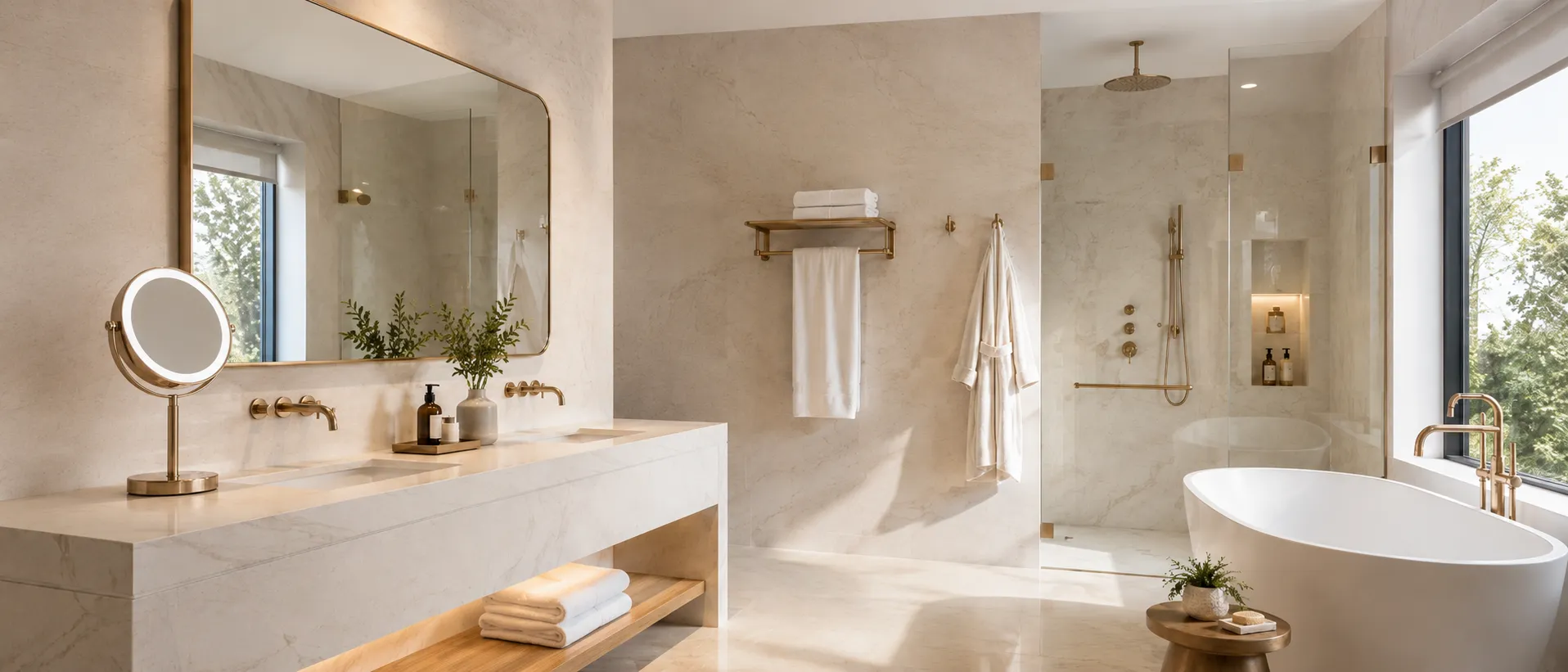
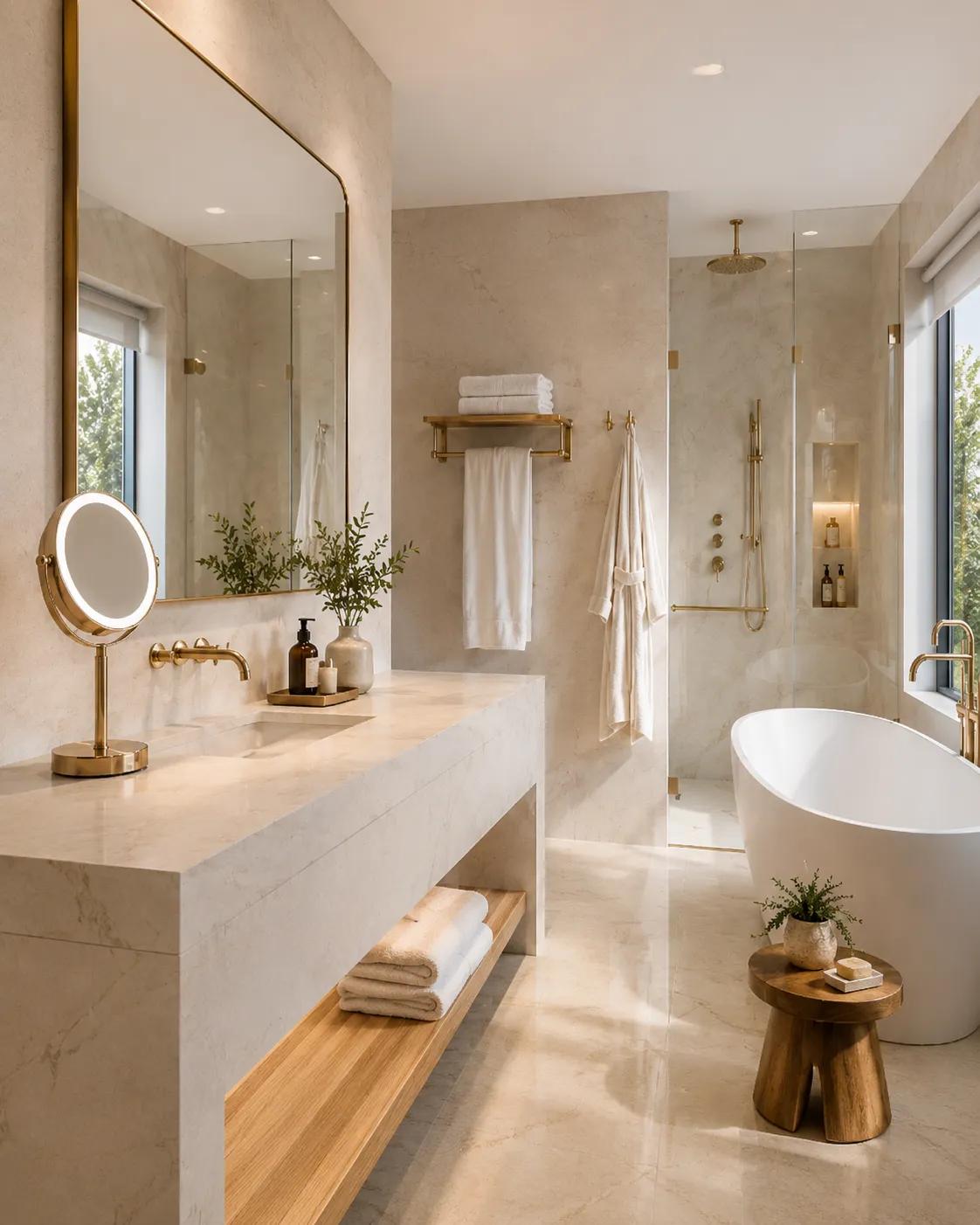
LED Bathroom Mirror Installation: Planning, Wiring & Mounting
Proper LED bathroom mirror installation requires more than simply fixing a mirror to the wall. For wall-mounted LED bathroom mirrors, the project team should plan the wall structure, mounting position, electrical wiring, lighting controls and bathroom safety requirements before installation begins.
Wall-mounted LED bathroom mirrors are widely used in hotels, apartments and commercial bathroom projects. For project buyers, contractors and designers, early installation planning can reduce site modifications, avoid delays and help create a consistent finish across multiple rooms. Explore NISSIYA LED bathroom mirror solutions for hotel and commercial projects.
For larger hospitality developments, coordinate installation requirements with the mirror specifications before bulk production whenever possible. See our hospitality LED mirror projects for real project applications and OEM/ODM support.
LED Bathroom Mirror Installation Planning Before Production
Start installation planning before the mirror enters production. For hotel and commercial projects, confirm mirror dimensions, orientation, wall position, electrical outlet location, control method and mounting requirements before approving a bulk order.
This becomes particularly important when dozens or hundreds of rooms use the same mirror specification. Incorrect cable positions, wall-switch locations or mounting points can create additional work during installation.
- Confirm mirror dimensions and orientation.
- Confirm vanity width and basin position.
- Confirm wall construction and mounting method.
- Confirm the electrical cable outlet position.
- Confirm touch control, wall switch or other control requirements.
Project Tip: Finalize the mirror dimensions, cable outlet location and mounting structure before approving the final production specification.
Check Wall Structure and Mounting Position
Wall structure is one of the most important considerations in wall-mounted LED bathroom mirror installation. LED mirrors can weigh more than standard mirrors because they may include metal frames, LED lighting systems, drivers, anti-fog components and mounting hardware.
Before installation, identify whether the wall uses concrete, brick, tile, drywall or another construction type. Different wall structures may require different anchors, screws or mounting hardware.
In addition, coordinate the mirror position with the vanity, basin, faucet, wall lighting and nearby bathroom accessories. Correct alignment creates a cleaner and more consistent finished bathroom.
Confirm Mirror Height and Vanity Alignment
Plan the mirror height according to vanity height, bathroom layout and expected user experience rather than relying on one universal installation dimension.
For a single vanity, installers normally center one mirror above the basin. Double-vanity layouts may use one large continuous mirror or two separate mirrors depending on the interior design.
Before drilling or mounting, check that the mirror position does not interfere with faucets, wall lamps, shelves, outlets or other bathroom fixtures.
Smart Mirror Installation: Power Supply, Wiring & Controls
Smart mirror installation requires careful planning of the electrical supply, cable route and control method. Depending on the LED mirror model, functions may include touch control, dimming, adjustable color temperature, anti-fog heating or motion sensors.
Many hotel projects use hardwired LED bathroom mirrors connected to a bathroom wall switch. Other installations may use touch controls or combined control methods according to the approved project specification.
- Confirm the required input voltage for the target market.
- Plan the cable outlet behind the mirror where applicable.
- Confirm touch-switch and wall-switch requirements before production.
- Keep drivers and electrical connections serviceable where the structure allows.
Electrical Safety: Follow applicable local electrical regulations. Qualified personnel should complete the electrical work where local requirements call for it.
Check IP Rating and Bathroom Safety Requirements
Because LED bathroom mirrors operate in humid environments, buyers should confirm the required moisture protection and electrical compliance for the target market and installation area.
IP44 configurations are commonly used for many bathroom mirror applications. However, individual projects may require different specifications depending on installation zones and local requirements.
International hotel and commercial projects may also require ETL, SAA, CE, RoHS or other compliance support. Review NISSIYA's quality and certification capabilities when preparing project specifications.
Test LED Lighting, Dimming, CCT & Anti-Fog Functions
After completing the electrical connection, test all powered functions. First, confirm that the LED lighting operates correctly. Then check touch controls, wall switches, dimming and color-temperature functions against the approved specification.
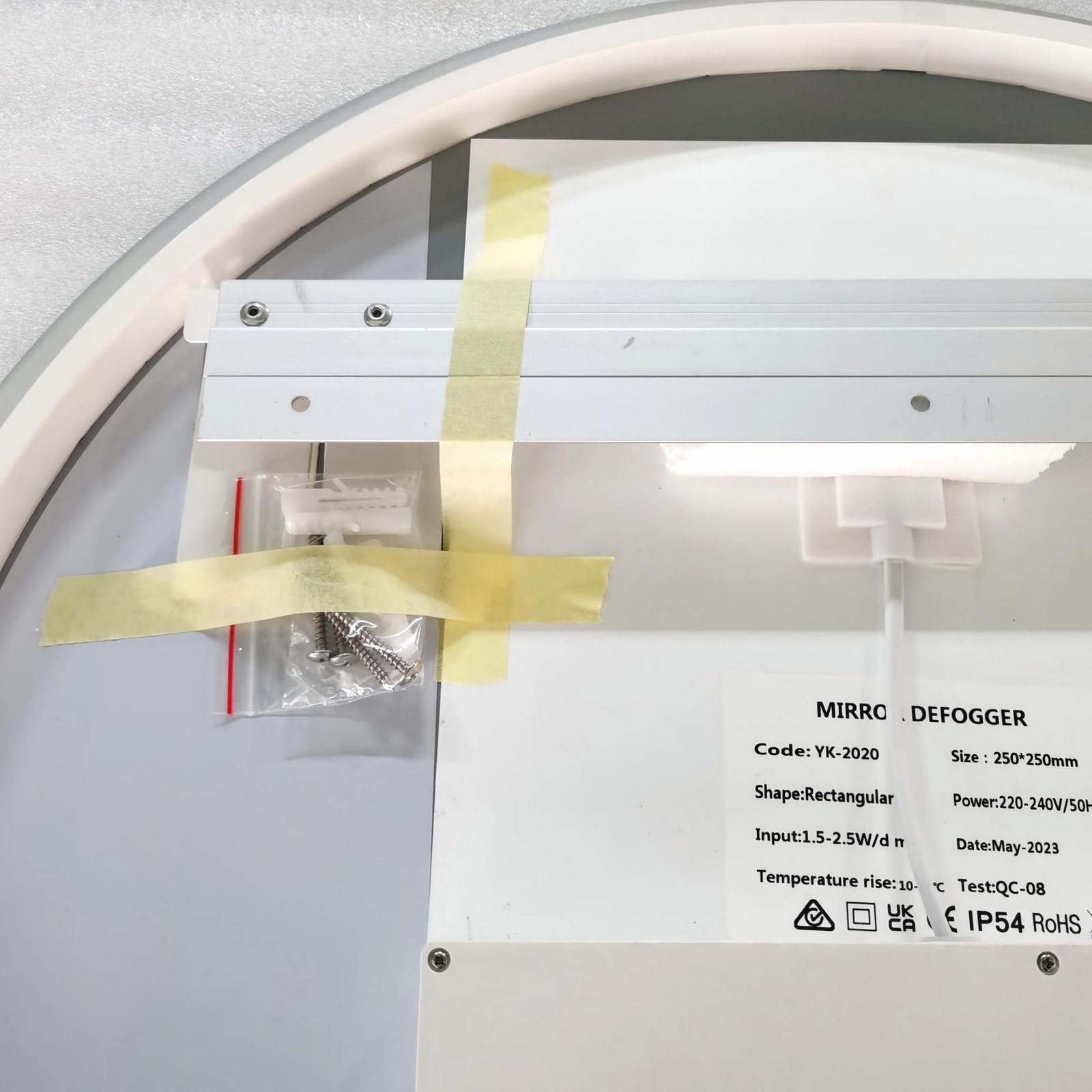
In addition, test mirrors equipped with anti-fog heating. The clear area normally corresponds to the size and position of the defogger pad installed behind the mirror.
For a detailed explanation of defogger pad coverage, positioning and control methods, read our anti-fog bathroom mirror guide .
Hotel Project Tip: Approving a pre-production sample can help confirm lighting color, brightness, controls, anti-fog performance and overall appearance before bulk production.
Plan Packaging and Product Identification for Large Projects
Packaging becomes especially important when multiple mirror models, finishes or room types arrive at the same hotel project. Clear carton identification helps installers locate the correct product without opening multiple packages.
For example, project packaging can include model references, room-type labels, product identification and installation information according to project requirements.
Buyers should also confirm packaging requirements early when export shipping, private labeling or special project identification is needed.
Maintain the LED Bathroom Mirror After Installation
After installation, clean the mirror glass and frame with appropriate materials. Avoid abrasive tools that may damage decorative finishes. Also remove construction dust and residues carefully before the bathroom enters service.
Hotel maintenance teams should understand how lighting, anti-fog and control functions operate so they can identify common service issues quickly. Keeping product specifications and installation information available can also simplify future maintenance.
Work With an OEM/ODM LED Bathroom Mirror Manufacturer
Successful LED bathroom mirror installation starts before the product reaches the project site. A professional manufacturer can help buyers confirm dimensions, frame finishes, lighting functions, anti-fog systems, wiring methods, mounting requirements and packaging before production.
NISSIYA provides OEM and ODM LED bathroom mirror solutions for hotel, hospitality and commercial projects, including backlit, front-lit, framed and other mirror configurations.
Finally, for projects requiring coordinated mirror specifications across guestrooms, suites or public areas, explore our hospitality mirror solutions and project examples .
LED Bathroom Mirror Installation Questions
Does an LED bathroom mirror need a power connection?
LED lighting, anti-fog heating, touch controls and other powered functions require an appropriate electrical connection. The exact wiring method depends on the selected mirror model and project specification.
Can an LED bathroom mirror be connected to a wall switch?
Many hotel and commercial projects use hardwired LED bathroom mirrors connected to a wall switch. Confirm the preferred control method before production so the wiring matches the project design.
When should the electrical outlet position be confirmed?
Ideally, confirm the cable position during the project planning stage and before mirror production, especially when multiple rooms use the same mirror specification.
What should be checked after LED bathroom mirror installation?
Check the mirror position, mounting stability, electrical connection, LED lighting, switches, dimming, color-temperature settings and anti-fog functions before completing the installation.
Can NISSIYA support smart mirror installation requirements for hotel projects?
Yes. NISSIYA supports OEM/ODM LED bathroom mirror projects with specification confirmation, wiring and control options, anti-fog configurations, finishes, packaging and project supply support. Contact NISSIYA to discuss your project requirements.
Ready to Start Your Next Hospitality Project?
From initial design concepts to final product delivery, NISSIYA provides full-scale manufacturing support for hotels, resorts, and commercial developments worldwide. Let our engineering team help you translate your vision into reality with precision-engineered, commercially compliant mirror solutions.